Physical Culture in the 19th Century
April 15, 2014
 Sport, athletics, and the quest for fitness have been important parts of American life for over a century. What was originally called "Physical Culture" emerged in Europe and the US during the 19th century, and resulted in a fundamental reorientation of life and cultural ideals in the US by the turn of the twentieth century. Since then, controlled and organized physical activity has been an important part of American life, symbolizing a more perfectly egalitarian society, and contributing to notions of ongoing exceptionalism in a quickly-changing and sometimes threatening world.
In the face of massive immigration waves from southern and eastern Europe, Asia, and other parts of the world, debates over individual health and fitness between doctors, athletes, clergy, and others during the 19th century sometimes included elements of social criticism, a strong sense of nationalism, and racial superiority. Many authors celebrated general athleticism and the characteristics they thought typical of fit, white, Anglo-Saxon youths, both male and female, as some of the most important qualities for the "right" kinds of Americans to possess.
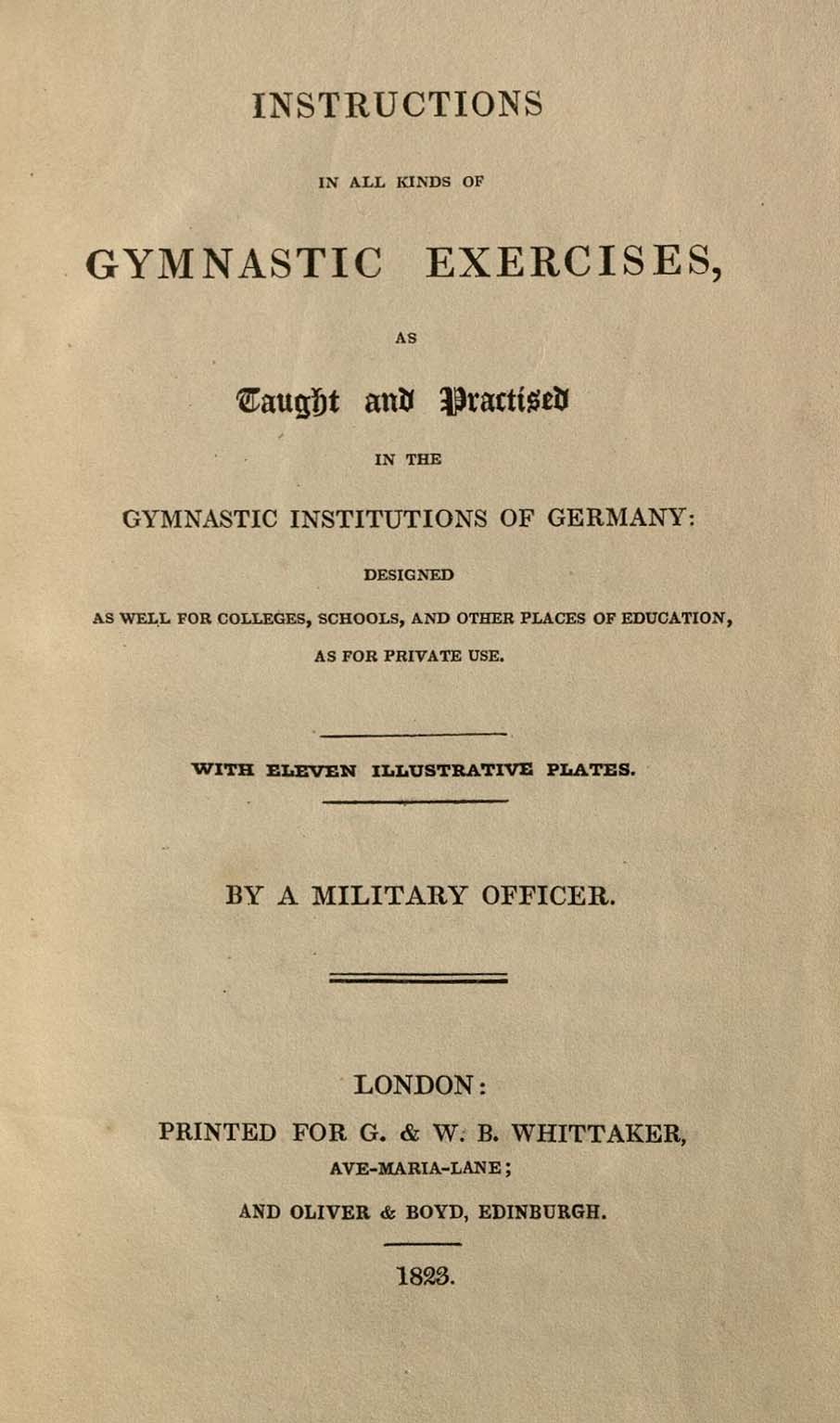
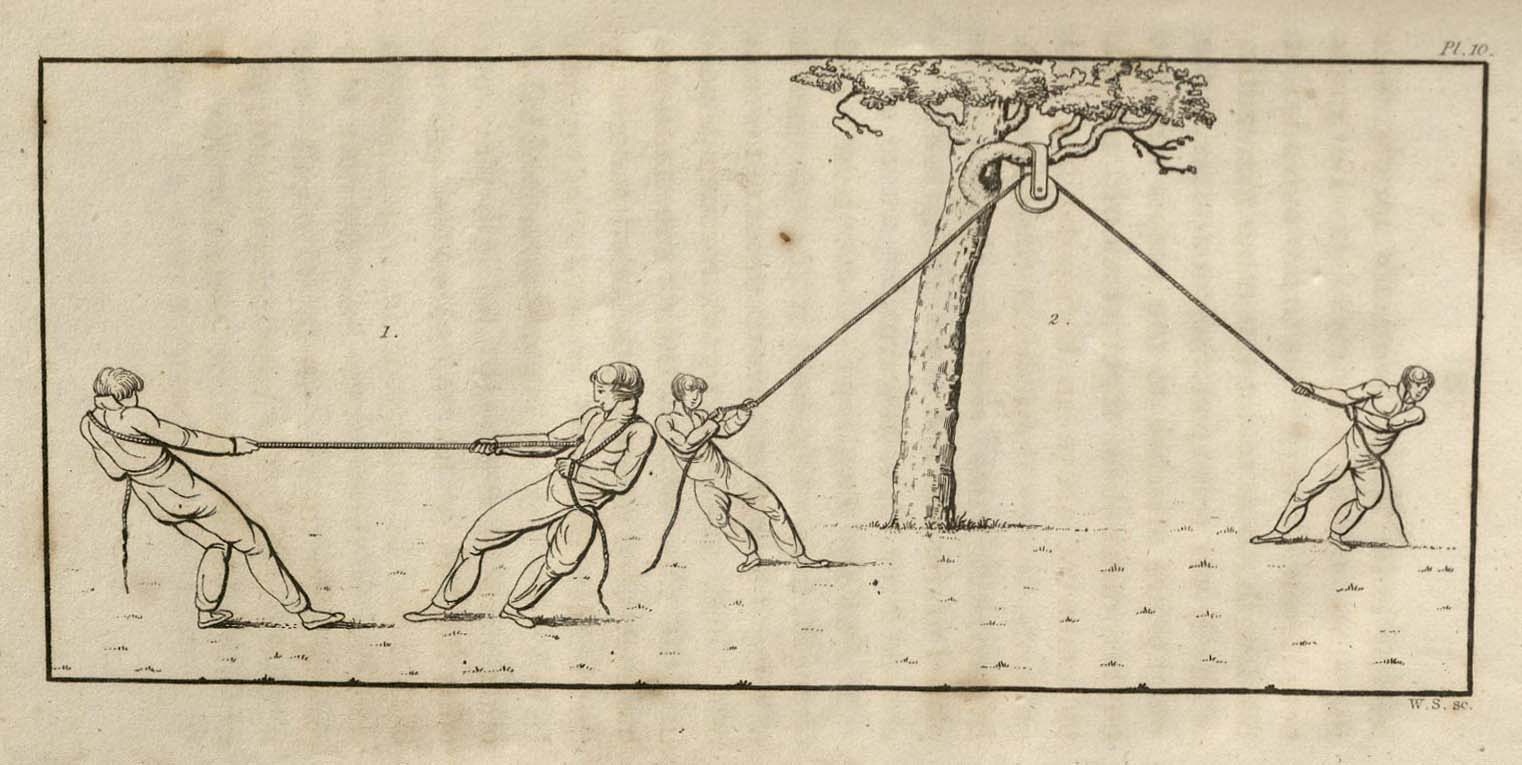
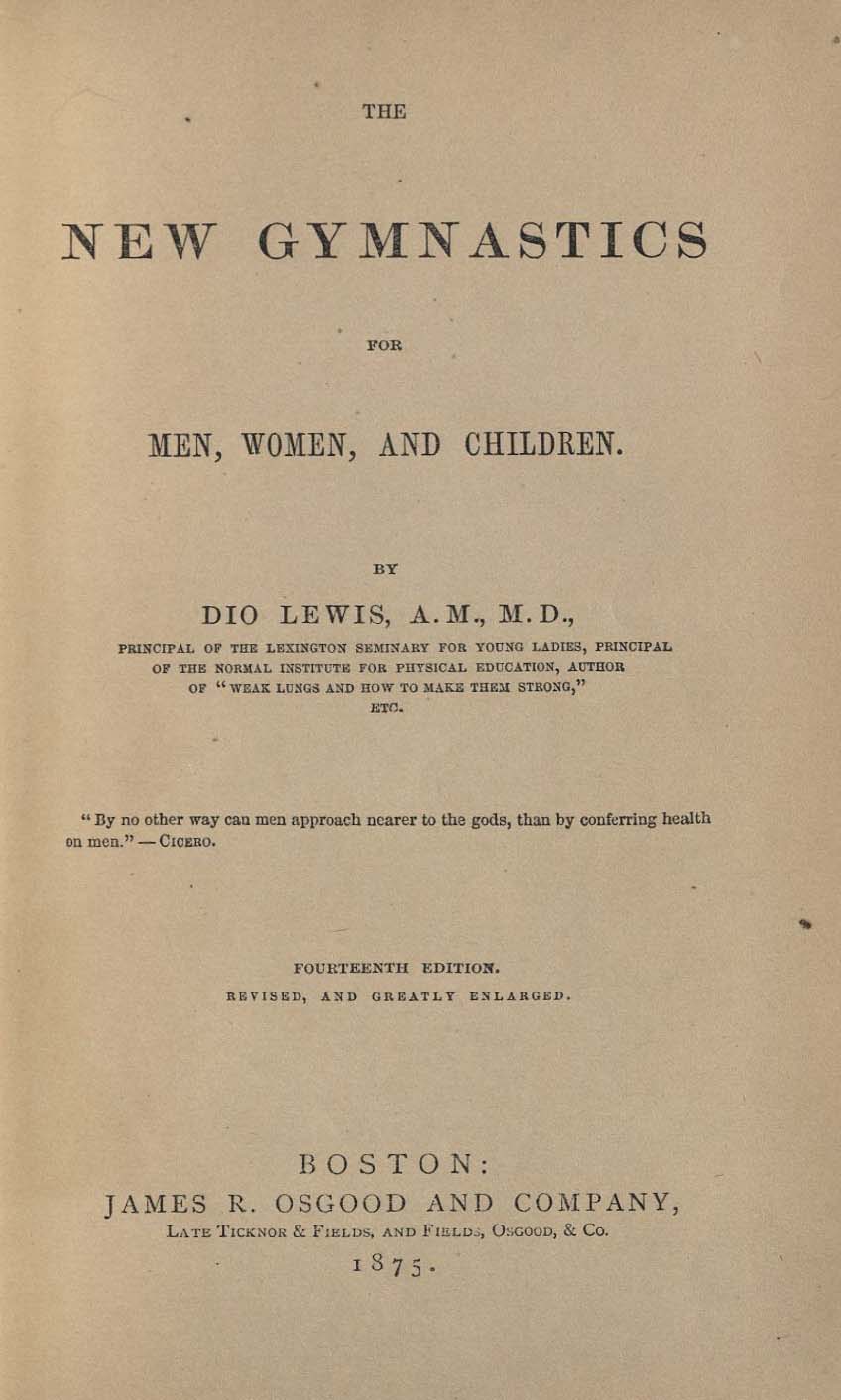
Special Collections and Archives holds numerous publications and pamphlets produced by proponents of personal fitness, health, and Physical Culture in the 19th century. Many of these volumes focus on a particular style of exercise, including manuals for varying styles of Gymnastics (especially German and Swedish), the then-new form of exercise we call Calisthenics, and other forms of exercise, some of which require specialized equipment, like barbells and dumbells.
We also hold numerous publications that targeted public schools, advocating for the introduction of physical education courses as a part of the regular curriculum from Elementary School on. Many of these manuals recommend the use of light apparatus, and include special songs and music to be used in conjunction with exercise routines.
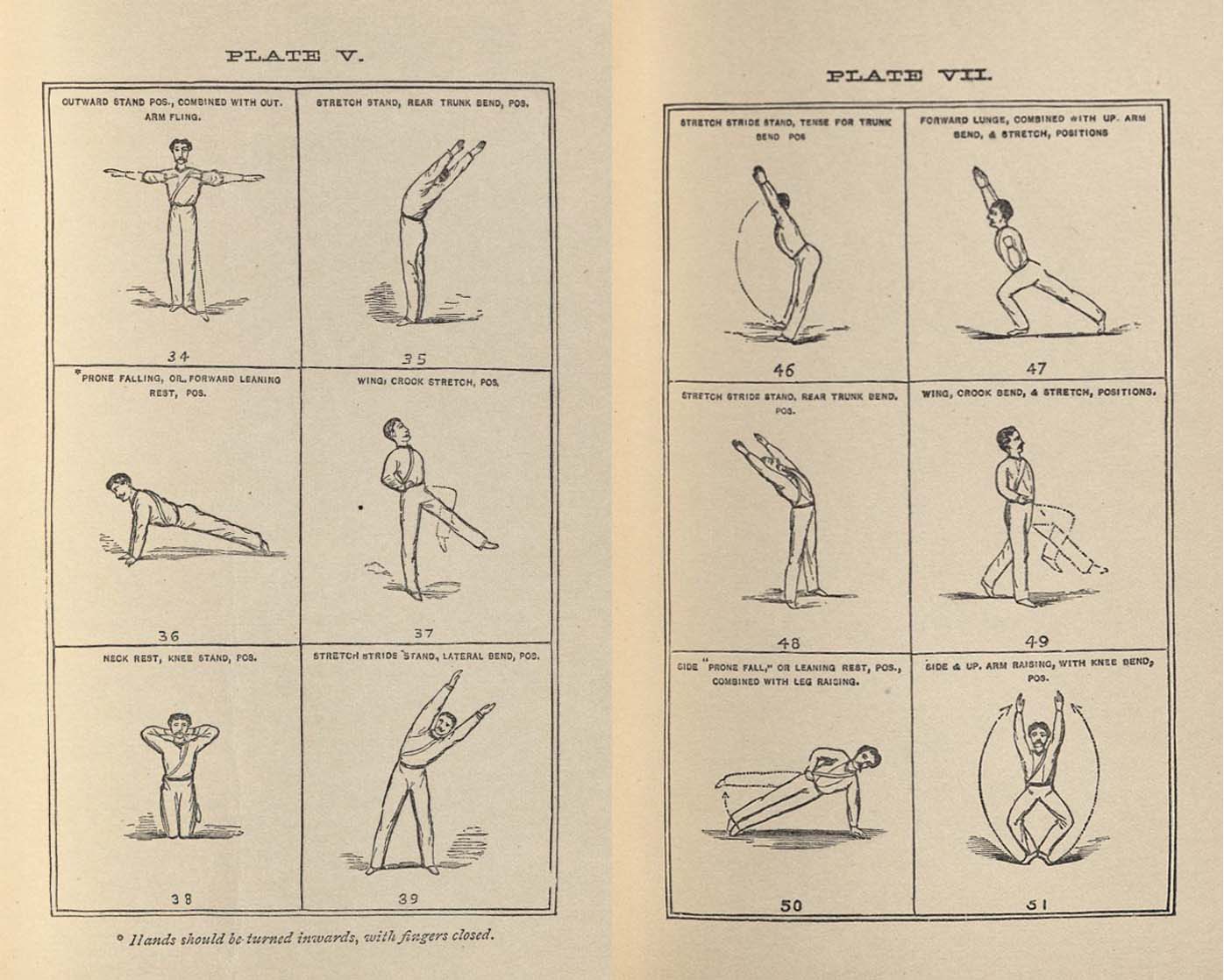
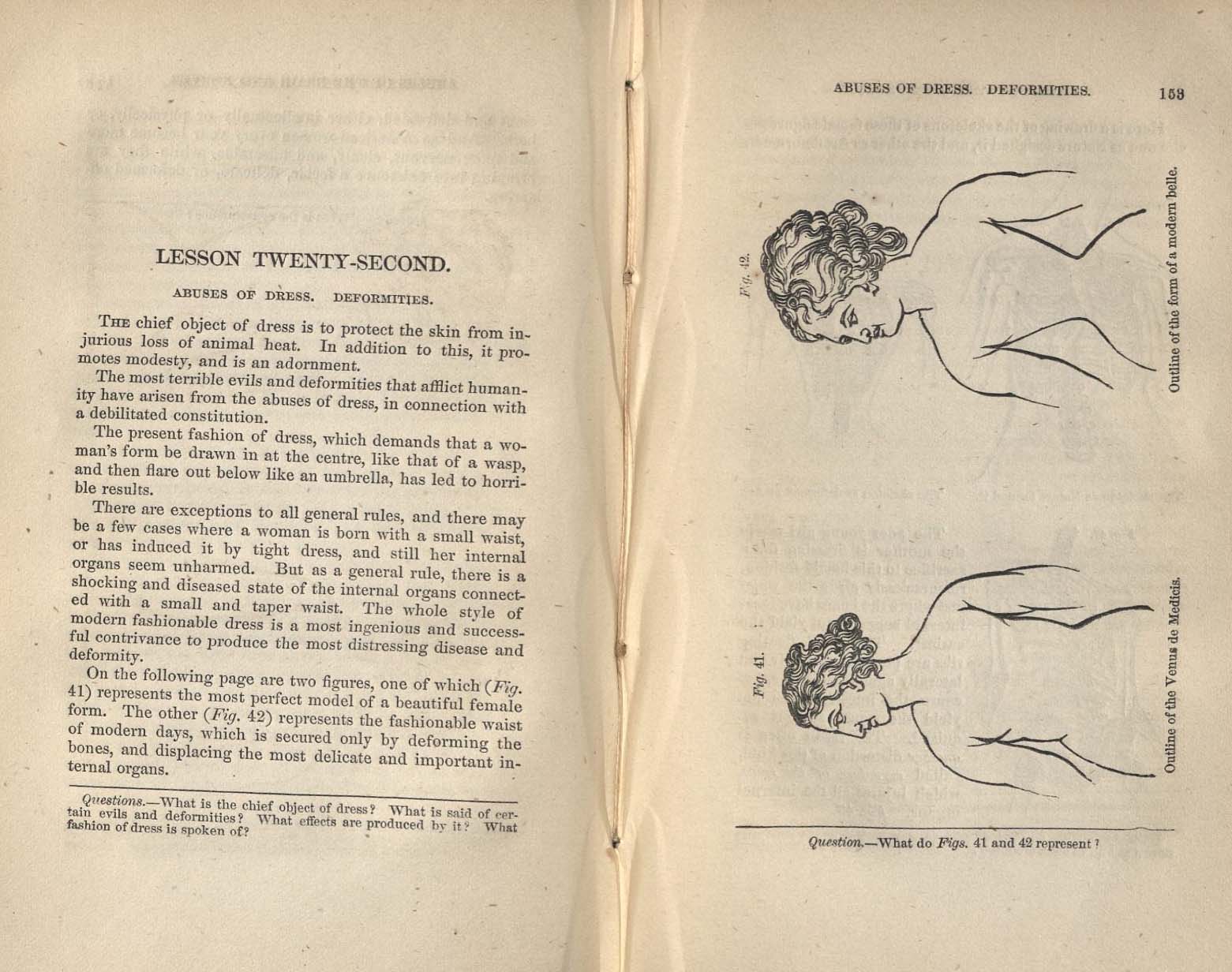
Medical volumes tended to focus on the healthful advantages of a more physically active life, and on the potentially damaging effects of corsetsand other women's undergarments. Many of the exercises recommended by various authors are recognizable as things still recommended by physical education teachers and personal trainers today, including squats, lunges, and side planks, while others have fallen out of practice, including "percussion," or striking one's chest and back after exercising.
Image Gallery






Post tagged as: special collections, rare books, publications, united states
Read more Peek in the Stacks blog entries